
Focuszones
What Are Focuszones
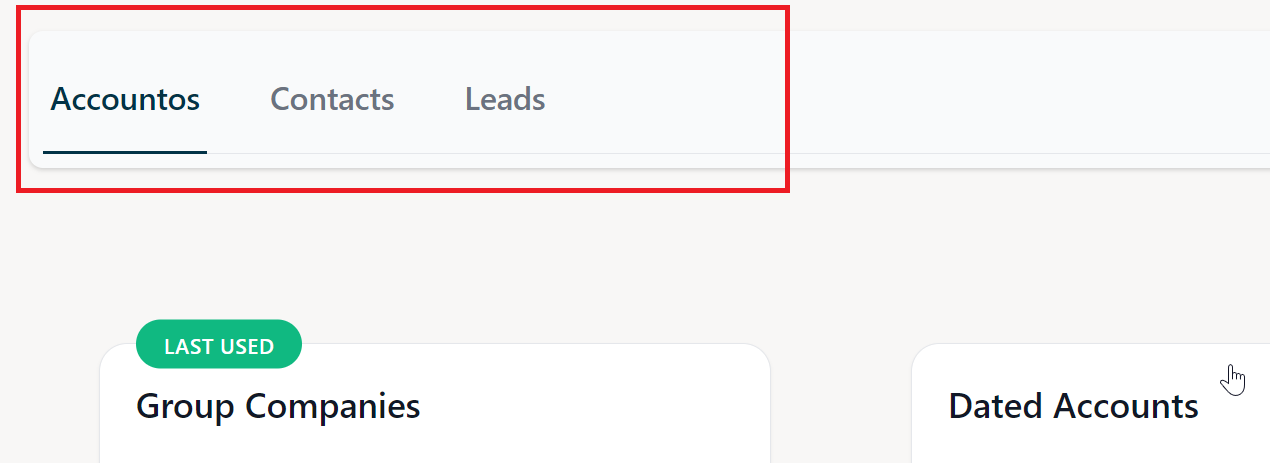
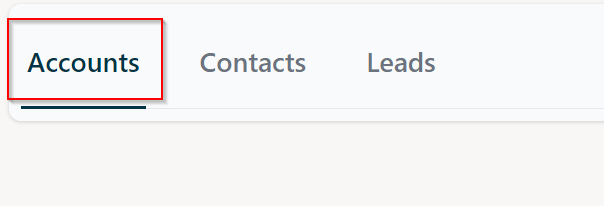
A Focuszone helps you categorize the workload of workspaces further more into focused units. For example a Sales
workspace can be split into multiple Focuszones of Accounts, Contacts and Leads.
At least one associatedFocuszone is mandatory for a Workspace to function properly.
Within NEA X Focuszone UI
Focuszones are represented as a list of tabs within the NEA X Focuszone UI:
Add a new Focuszone
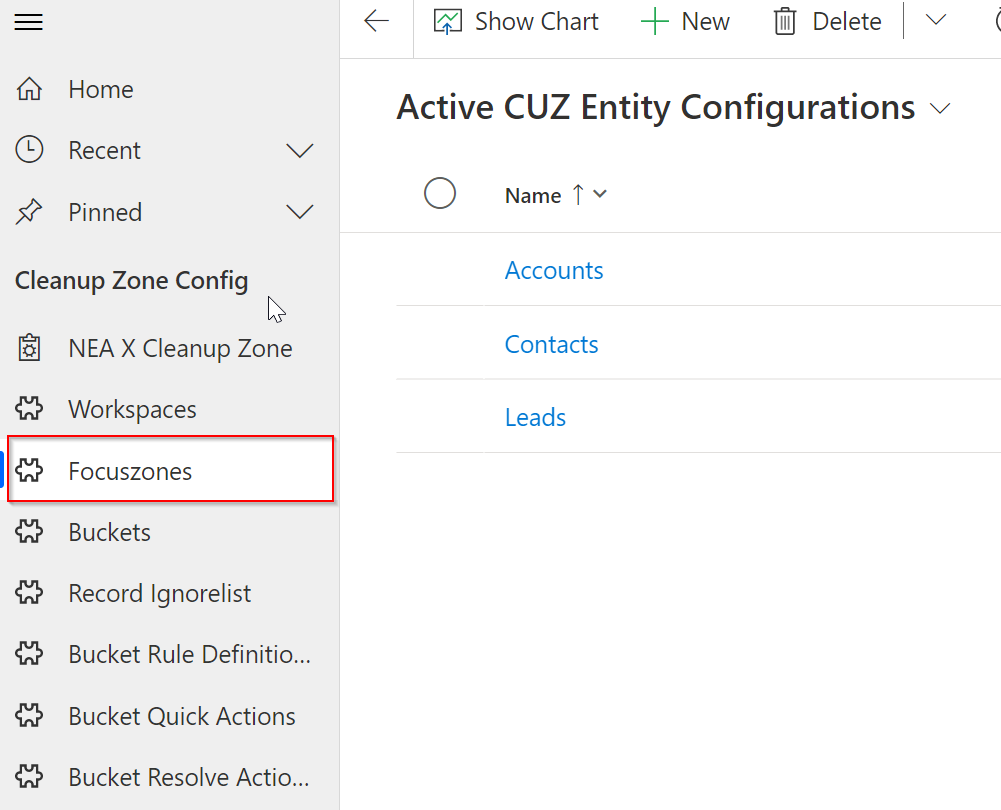
To add a new Focuszone navigate to the NEA X Focuszone App in Dynamics 365 and click on Focuszones in the sitemap
on the left:
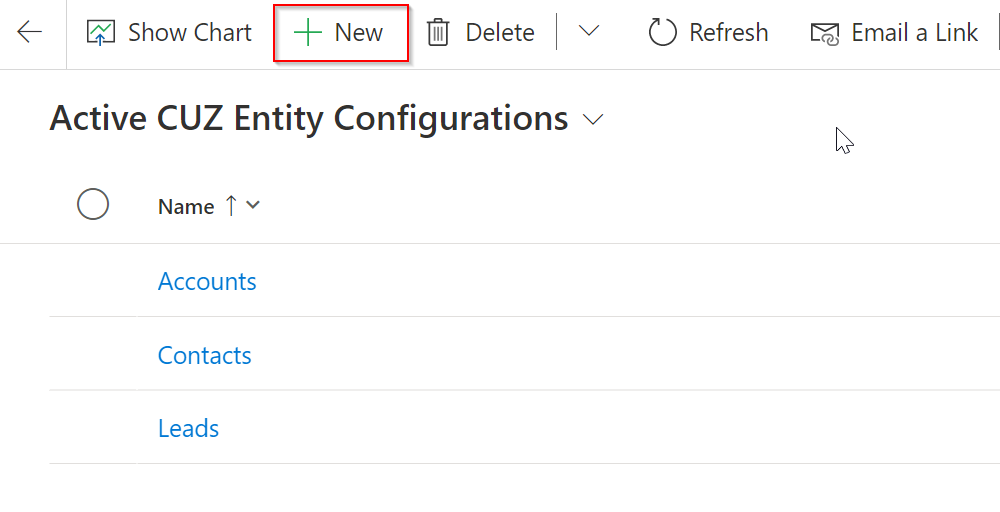
Click on NEW in the top toolbar:
Following form should be presented to you:
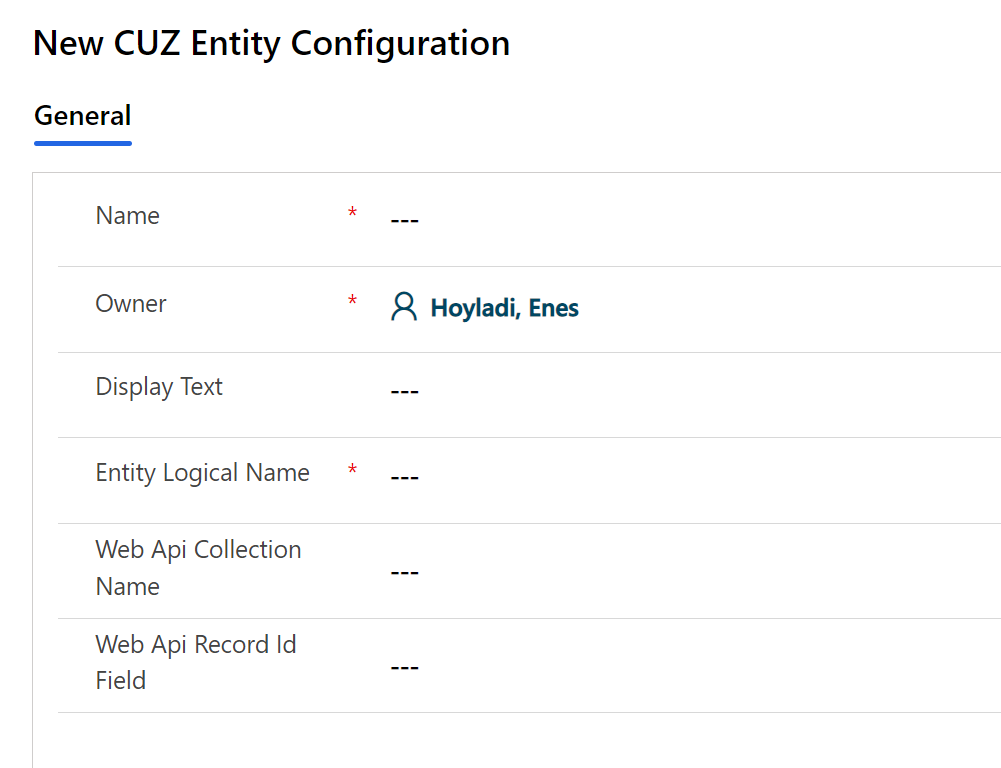
The fields on the form are for following purposes:
| Fieldname | Function | Visible in Focuszone UI | Mandatory | UI Reference Image |
|---|---|---|---|---|
| Name | Name of the focuszone | No | Yes | - |
| Owner | Owner of the focuszone record, irrelevant for functionality | No | Yes | - |
| Display Text | Display name; used within the tablist in the UI | Yes | Yes | Link |
| Web Api Collection Name | English plural of the entity logicalname e.g: account -> accounts,opportunity -> opportunities | No | Yes | - |
| Web Api Record Id Field | Id Field of the target entity e.g.: account -> accountid opportunity -> opportunityid | No | Yes | - |
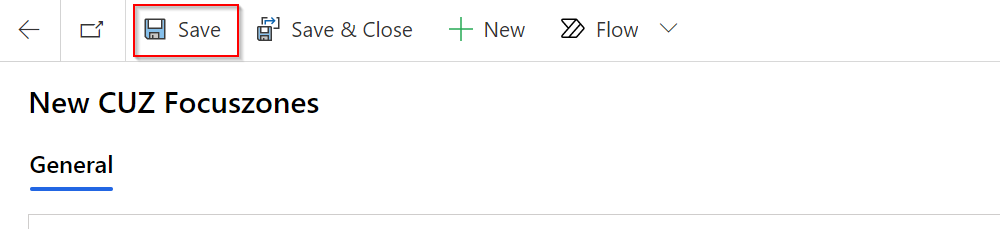
Fill in the mandatory fields and click on Save:
Associate a Workspace
The best way to associate a workspace is to use an existing one. For creating a new workspace please refer to Adding a new workspace.
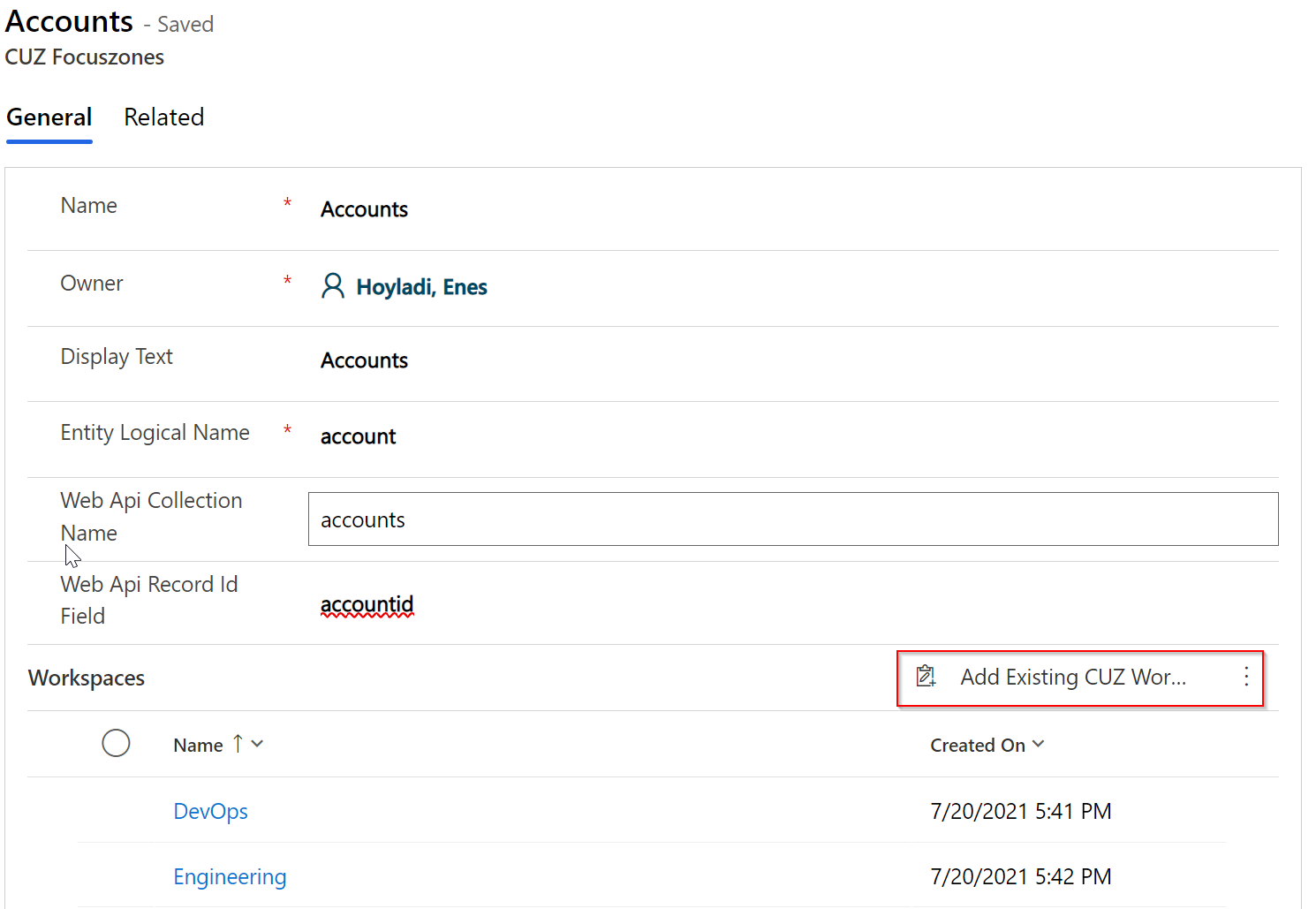
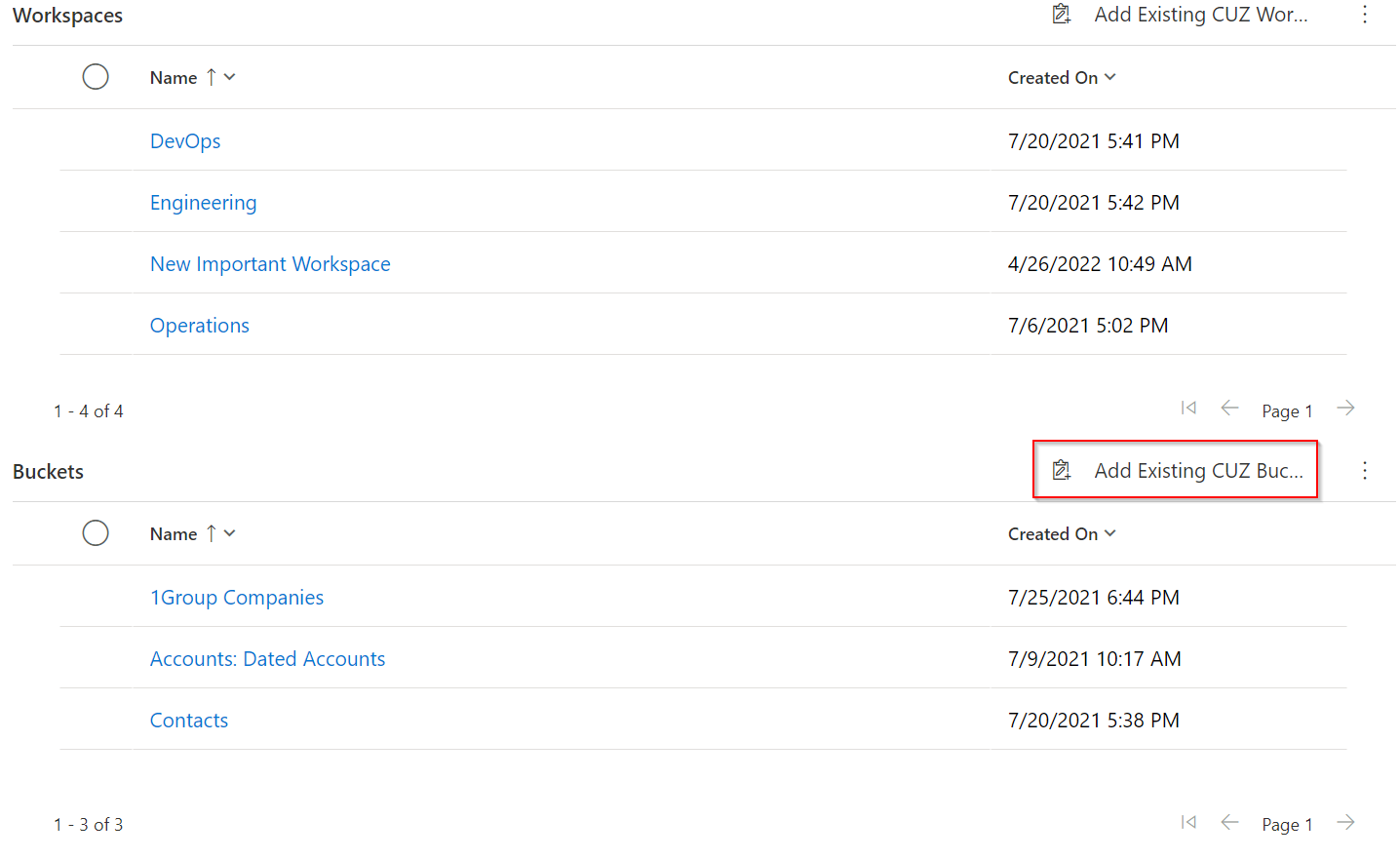
To associate a workspace with a focuszone, open an existing focuszonem navigate to the Workspaces subgrid and click
on Add Existing CUZ Mainconfiguration:
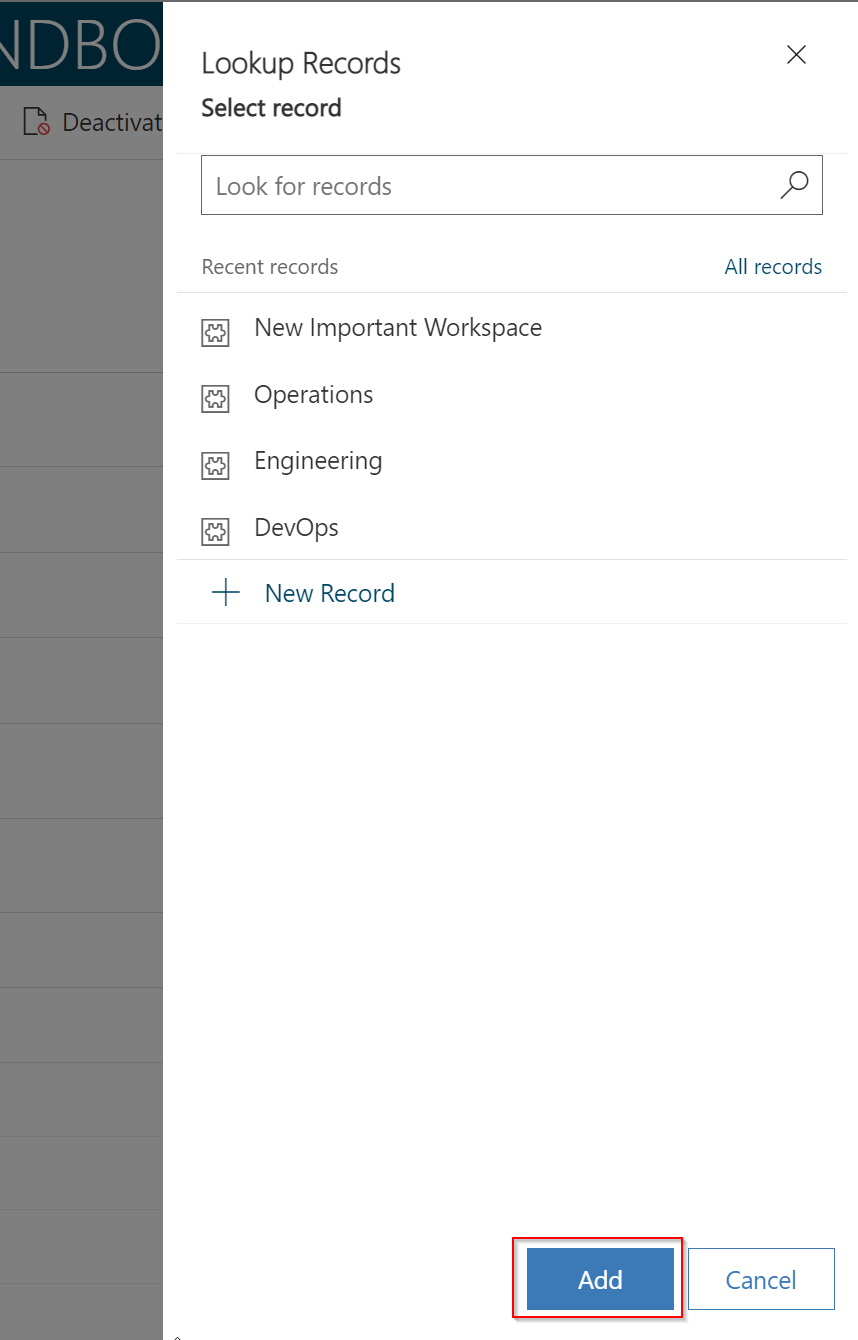
A dialog should open on left. Select the workspace you want to associate and click on Add:
Associate a Bucket
The best way to associate a bucket to a focuszone is to use an already existing one. For creating a new bucket configuration please refer to adding a new bucket.
To associate a bucket with a focuszone,
open an existing focuszone,navigate to the Buckets subgrid and click on Add Existing CUZ Bucket Configuration:
Powered by Doctave